
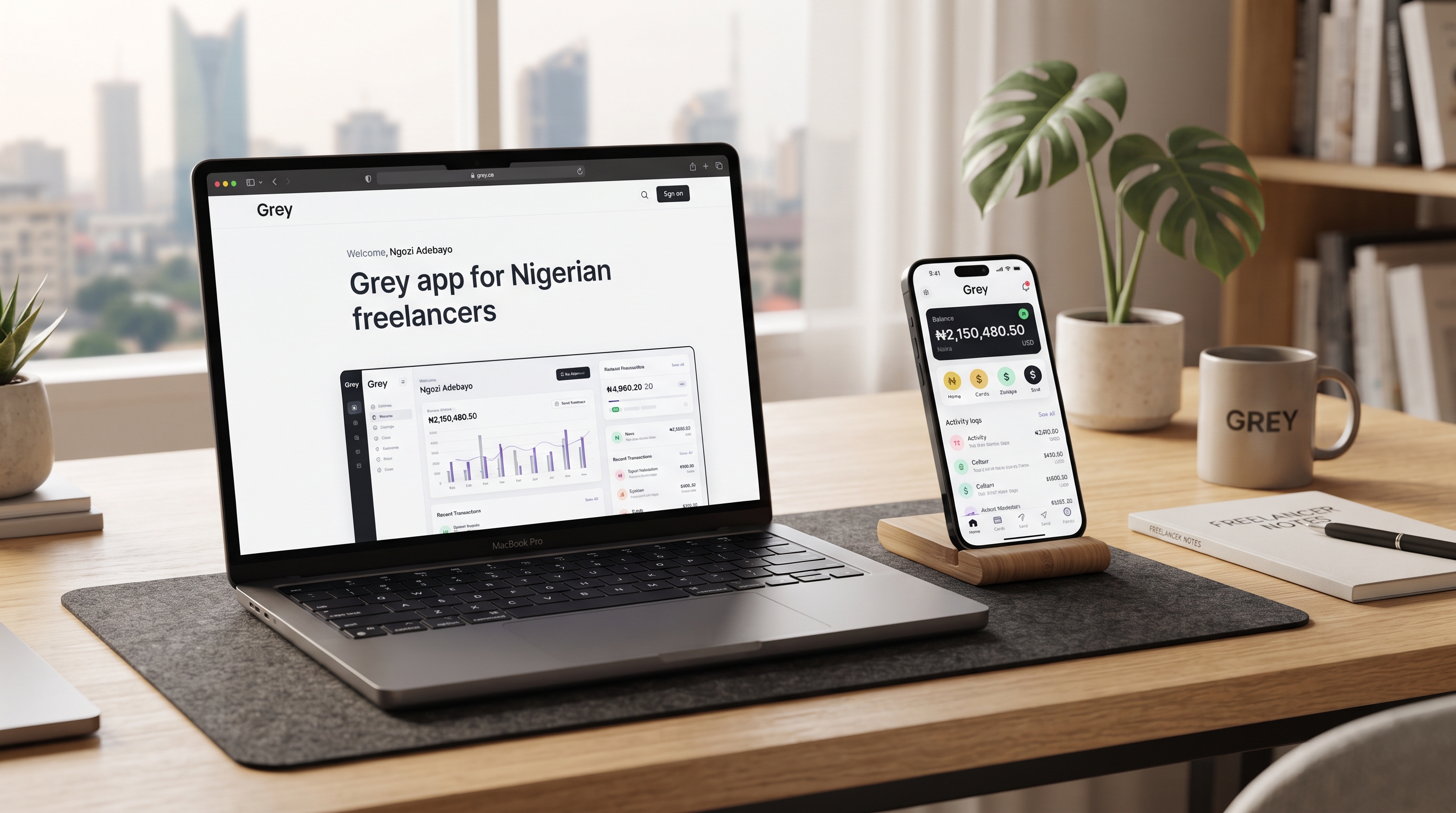
The growth of remote work has empowered thousands of Nigerian freelancers like software engineers, designers, and digital marketers to earn in global currencies like US Dollars, British Pounds, and Euros. However, converting those earnings into local currency has historically presented severe operational friction. Traditional local bank wire transfers frequently incur steep intermediary charges, delayed processing timelines, and unfavourable central bank exchange rates. These issues are why the top choice of freelance payment platforms is the Grey app for Nigerian freelancers.
For a long time, international platforms like PayPal remained heavily restricted for receiving funds in Nigeria, leaving talent scrambling for expensive or risky workarounds. This financial bottleneck is precisely what modern cross-border fintech platforms solve.
Grey has emerged as one of the most reliable multi-currency banking solutions designed specifically for African digital talent. By offering foreign virtual bank accounts with unique IBANs and routing numbers, Grey allows you to receive payments directly from global clients and freelance platforms as if you were a local resident in the US, UK, or Europe. This article walks you through setting up your Grey account, completing identity verification, linking virtual accounts to marketplaces, and maximising your foreign currency payouts.
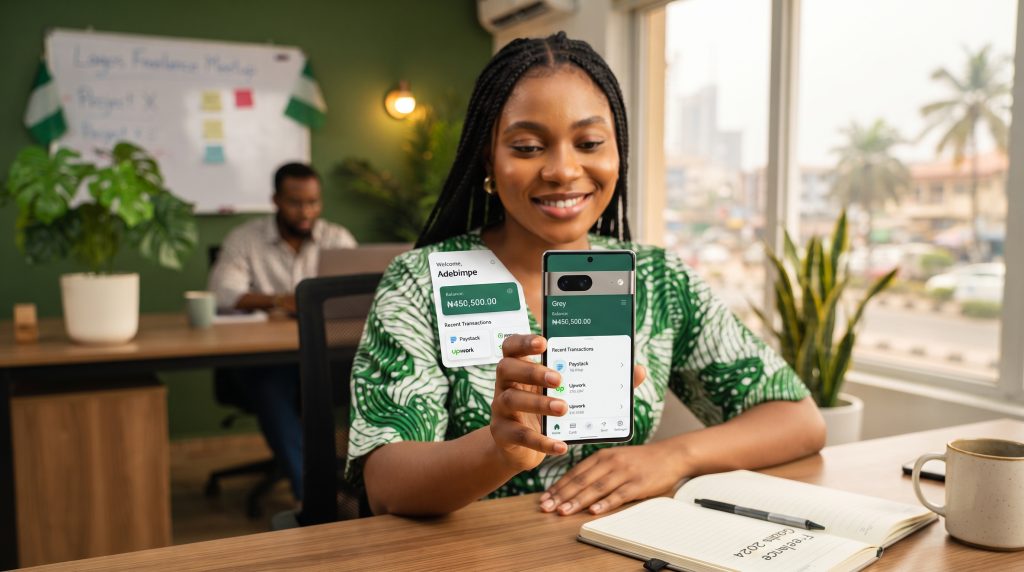
What Is Grey and Why Do Nigerian Freelancers Need It?
Grey is a fintech service created to simplify cross-border payments for freelancers, remote workers, and international businesses across Africa. Instead of relying on complex wire transfers or third-party money merchants, Grey provides personal virtual accounts denominated in major foreign currencies.
Core Features for Remote Professionals
- Foreign Virtual Bank Accounts: Access dedicated USD, GBP, and EUR receiving accounts with individual account numbers, sort codes, and ACH/SEPA routing details.
- Competitive Exchange Rates: Convert foreign currency balances directly into Nigerian Naira (NGN) or Kenyan Shillings (KES) at near-market exchange rates, bypassing traditional bank margins.
- Instant Local Withdrawals: Transfer converted local currency directly into any commercial bank account in Nigeria within minutes.
- Virtual Visa/Mastercard Cards: Create USD virtual debit cards to pay for essential business tools, foreign domain registrations, server hosting, and digital subscriptions.
For independent contractors working across global markets, having access to transparent receiving accounts removes foreign exchange anxiety, ensuring that more of your earned income reaches your local bank account.
Step-by-Step Account Setup and KYC Verification for Grey App for Nigerian Freelancers
Setting up your account on Grey is straightforward, but completing your Know Your Customer (KYC) verification correctly is crucial to unlock full receiving limits and prevent compliance delays.
Step 1: Account Registration
- Visit the official Grey website or download the mobile app from the Google Play Store or Apple App Store.
- Sign up using a functional email address and a strong password.
- Verify your email address by clicking the confirmation link sent to your inbox.
- Enter your phone number and complete the One-Time Password (OTP) verification.
Step 2: Tiered Identity Verification (KYC)
Financial regulations require cross-border platforms to verify your identity before issuing foreign virtual accounts. Have the following documents ready before starting verification:
- Valid Government Identification: A National Identification Number (NIN) slip, Smart ID card, International Passport, or Voter’s Card.
- Proof of Address: A utility bill (electricity, water, or waste management), internet subscription bill, or official bank statement issued within the last 3 months showing your full name and current residential address.
- Biometric Selfie: A live facial scan completed directly through your smartphone camera or web browser.
Follow the on-screen prompts to upload clear, uncropped images of your documents. Ensure that the name on your government ID matches the legal name entered during registration word-for-word. Verification is typically processed automatically within a few hours to 24 hours.
Generating Your Foreign Virtual Bank Accounts
Once your KYC verification status shows as Approved, you can request dedicated foreign receiving accounts directly from your user dashboard.
Navigating Account Types
- United States Dollar (USD): Grey provides US virtual checking account details (including a routing number and account number) that accept ACH and Domestic Wire transfers from US companies and platforms.
- British Pound (GBP): Includes a UK account number and Sort Code compatible with UK Faster Payments and BACS transfers.
- Euro (EUR): Provides a European IBAN compatible with SEPA transfers across European Union member states.
Important Usage Note: Virtual foreign accounts are intended strictly for receiving business payments, freelance earnings, and corporate payouts. Sending third-party personal payments or peer-to-peer crypto transactions into these accounts can trigger compliance flags or lead to temporary account freezes.
Connecting Grey to Global Freelance Platforms
Once your foreign account details are active, you can link them directly to major remote marketplaces and payment gateways as a local bank account.
Linking to Upwork
- Log into your Upwork account and navigate to Settings > Get Paid.
- Click Add Method and choose Direct to U.S. Bank (ACH) for your USD account, or Direct to Local Bank depending on your preferred payout structure.
- Enter the routing number and account number generated in your Grey dashboard.
- Confirm the micro-deposits or security OTP sent by Upwork to complete activation.
Linking to Fiverr
- In your Fiverr dashboard, navigate to Earnings and click Bank Transfer or Direct Deposit.
- Follow the verification prompt sent via email/SMS.
- Input your Grey US checking account details to route payouts directly into your USD balance.
Direct Client Invoicing
For direct private clients in the US, UK, or EU, copy your virtual account details directly onto your PDF invoices or send them via email. Instruct the client to send funds via standard domestic ACH, Faster Payments, or SEPA networks to avoid international wire fees.
Converting Foreign Currencies and Withdrawing to NGN
After your client or payment platform clears into your Grey balance, converting and withdrawing those funds into your Nigerian bank account takes only a few steps.
Step 1: Exchange Foreign Currency for NGN
- Open your foreign balance tab (e.g., USD).
- Click Swap Currency or Exchange.
- Enter the amount you wish to convert. The app will automatically display the real-time exchange rate and the exact NGN amount you will receive.
- Confirm the transaction. The converted funds will instantly appear in your NGN balance.
Step 2: Withdraw to Your Local Bank Account
- Navigate to your NGN Balance and tap Withdraw.
- Select your saved Nigerian commercial bank account or click Add New Bank Account.
- Enter your 10-digit NUBAN account number and verify that your full name populates correctly.
- Input the withdrawal amount and enter your security PIN or 2FA code to authorise the transfer.
Funds are dispatched immediately via local instant payment networks and usually arrive in your local bank account within minutes.
Best Practices for Smooth Account Management
To maintain a healthy account and avoid operational disruptions, follow these security and compliance best practices:
- Enable Two-Factor Authentication (2FA): Secure your account using an authenticator app (such as Google Authenticator) rather than relying solely on SMS OTPs.
- Keep Names Consistent: Always ensure the name on your freelance profile, invoices, Grey account, and local bank account match perfectly to avoid flagged transfers.
- Keep Invoices on File: Save client contracts, platform earnings statements, and project invoices. If Grey’s compliance team requests proof of funds for a large transfer, providing a clear invoice resolves the review quickly.
- Monitor Fee Structures: Review conversion fees, swap charges, and withdrawal tariffs regularly to calculate your net earnings accurately before initiating large transfers.
Conclusion
Navigating cross-border payments no longer has to be a barrier for Nigerian digital talent. By setting up dedicated virtual accounts through the Grey app for Nigerian freelancers, you eliminate the delays, restrictive exchange bottlenecks, and excessive middleman fees that previously hindered remote workers.
Treat your financial stack as a core part of your freelance infrastructure. With your foreign receiving accounts configured, verified, and linked to your primary payment sources, you can focus on delivering high-quality work to global clients while enjoying fast, reliable access to your international income. Follow us for more freelance content.